![lumina learning logo rev white.png]](https://support.luminalearning.com/hs-fs/hubfs/lumina%20learning%20logo%20rev%20white.png?height=39&name=lumina%20learning%20logo%20rev%20white.png)
As a Lumina Learning Practitioner, you’ll notice a fresh look when you sign in to your Practitioner Dashboard. This update is part of a wider project to redesign and redevelop our Practitioner systems, which we'll provide more updates on as it progresses.
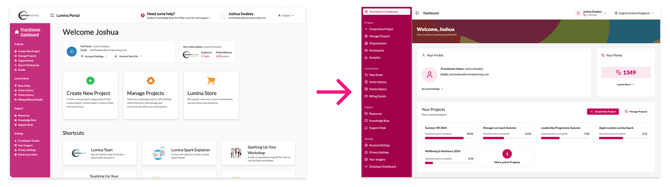
The updated dashboard retains the functionality of the previous version, with some improvements and extra features.
A Design Refresh
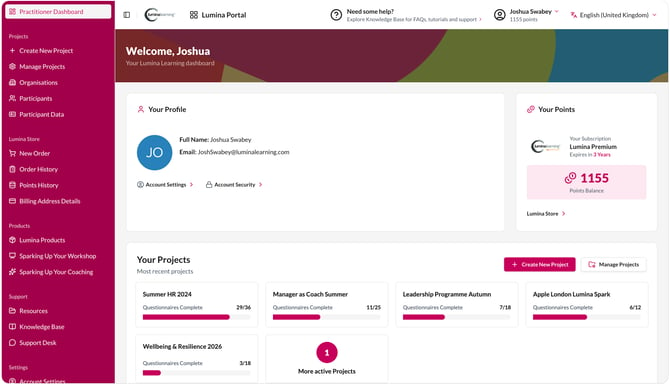
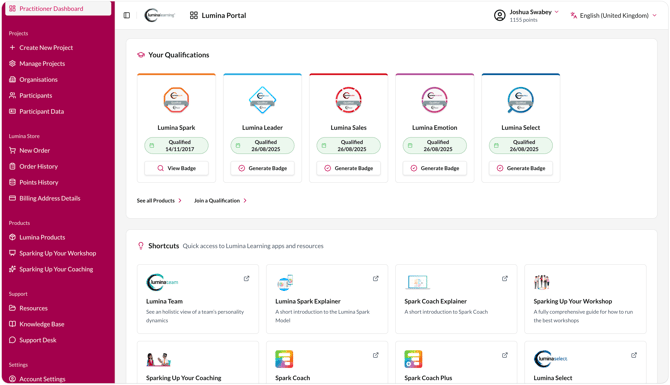
One goal of this project was to create a consistent "Design System" that aligns with the Lumina Learning brand and can be used for all of our product developments moving forward. By creating a component library that our user interface elements can draw from, we essentially create a standard set of building blocks that can be easily re-used across different experiences. This new dashboard is our first user experience to release using this new Design System. At Lumina Learning we have different platforms and systems that have released at different points in our history, which has lead to some inconsistency in terms of user experience. This new Design System has accessibility and simplicity at its core, so our long-term goal is to bring all of our systems and products in line with this new standard over time.
Recent Projects
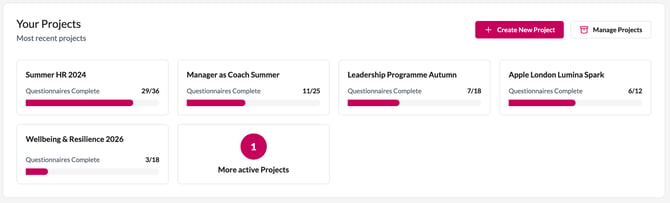
We wanted to keep the scope of this redesign simple for its initial release, but one new feature is a section which shows your most recent Projects, and the current status of questionnaire completions. We hope this will be useful and allow you to quickly jump back in to any work you may need to do with your current Projects.
Updated Organisation and Participant Pages
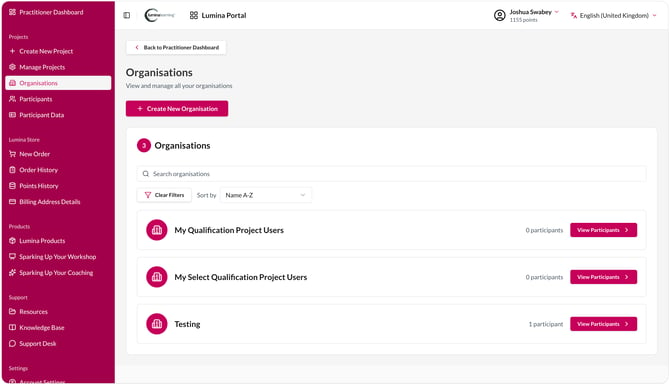
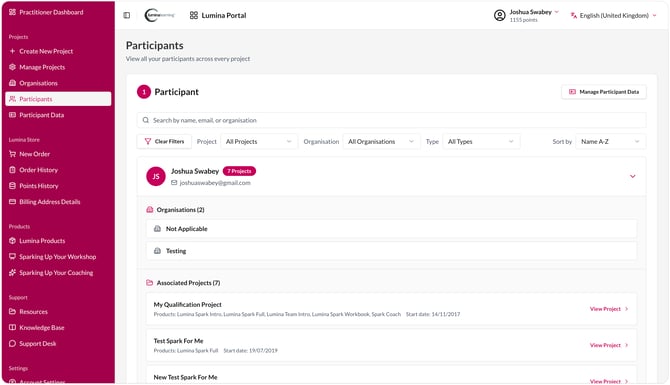
The Organisation and Participant list pages have been brought into this new Design System, improving their usability and accessibility, and making it easier to see which Organisations and Projects a Participant is part of.
The new Participant list also integrates with our new Participant Data management tool, which is detailed further in this article: https://support.luminalearning.com/new-dashboard-and-data-management
Updated Support Pages
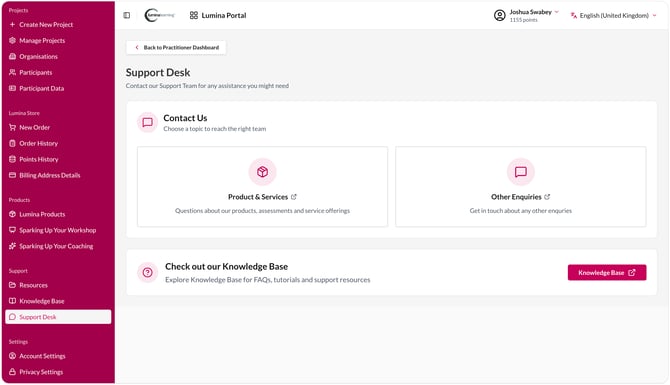
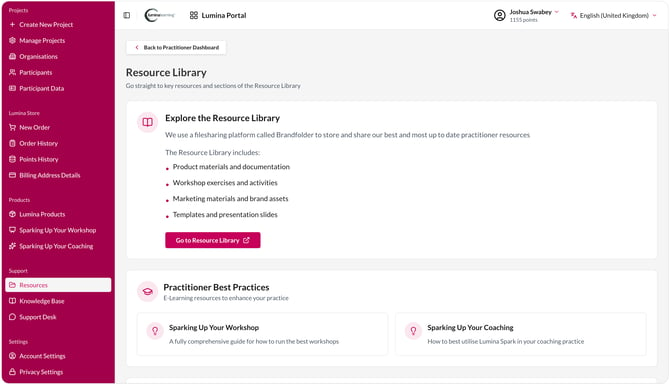
Our Resources and Support pages have also been redesigned and brought in line with this new Design System
You will notice that some pages still link to other systems, such as Create Project, Manage Projects, Account Settings, and more. As mentioned above, our overall goal is for all of our user experiences to be updated to this new standard, so we will be tackling this over time. Given the importance and complexity of these systems, we’re introducing the redesign in stages to minimise risk and system downtime. We’ll share further updates as the project progresses.